In short
HTTP/3 is the first version of HTTP that does not run on top of TCP, replacing it with QUIC, a transport protocol built on UDP that folds in encryption and stream multiplexing from the ground up. This solves TCP head-of-line blocking, where a single lost packet stalls every stream sharing the connection, and lets connections survive a change of network without renegotiating. The result is most noticeable on lossy or switching networks such as mobile data, where HTTP/2 pages visibly stall and HTTP/3 ones do not.
For three decades almost every web request travelled over TCP: a reliable, ordered, connection-oriented protocol built in the 1970s for a network that looked nothing like today's mobile-heavy, loss-prone, globally distributed internet. HTTP/3 is the first HTTP version to abandon that foundation. It runs on QUIC, a new transport built on top of UDP that reimplements reliability and ordering itself, with encryption mandatory rather than layered on afterwards.
The change is deeper than swapping one acronym for another. QUIC alters what a lost packet costs, how quickly a connection can start, and what happens when a phone switches from Wi-Fi to cellular mid-download. Each of those problems has a specific, well-understood cause in TCP that QUIC was explicitly designed to remove.
The problem QUIC was built to solve
Head-of-line blocking at the transport layer
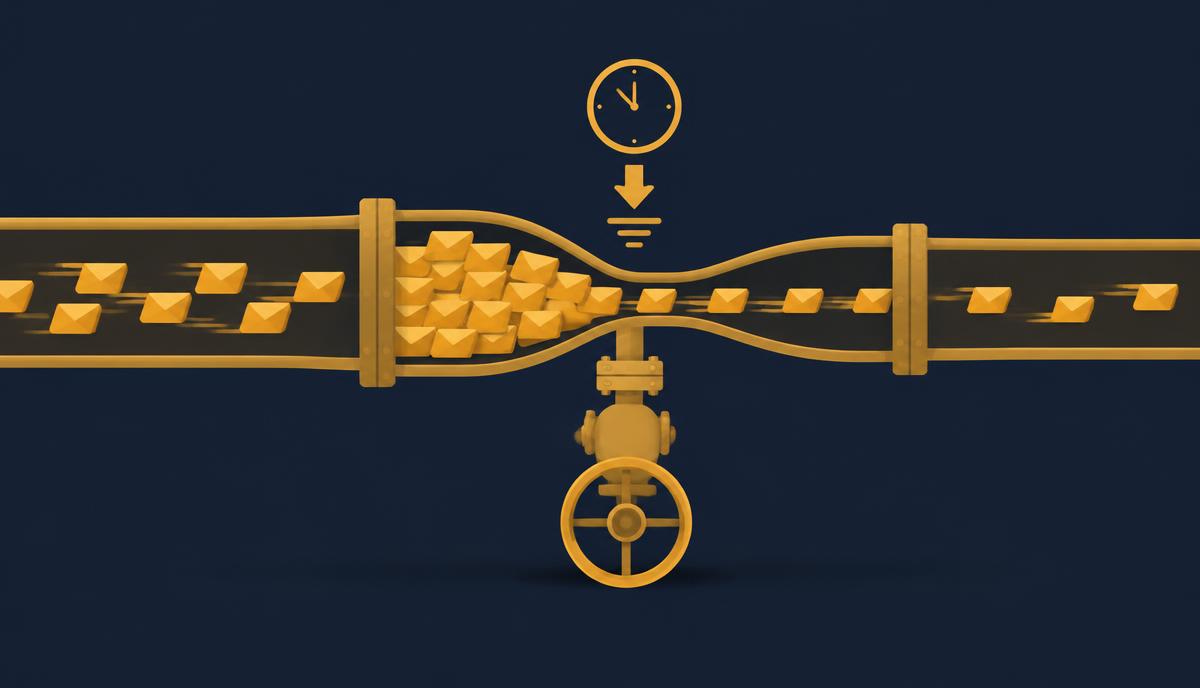
HTTP/2 introduced multiplexing: many logical streams — for example a stylesheet, a script and an image — share one TCP connection so they do not need separate handshakes. But TCP delivers bytes to the application in strict order. If a single packet carrying part of the image is lost, TCP will not hand any later bytes to the browser, even bytes belonging to the completely unrelated stylesheet stream, until the missing packet is retransmitted and arrives. One lost packet stalls every stream on the connection, an effect known as transport-level head-of-line blocking.
This was HTTP/2's central unsolved problem. Application-layer multiplexing could not fix a limitation baked into the transport underneath it, because TCP has no concept of independent streams — it sees one ordered byte pipe.
Why UDP was the escape route
UDP is a minimal, unordered, unreliable datagram protocol with none of TCP's guarantees, which is precisely why QUIC uses it as a base: UDP imposes no ordering across the whole connection, leaving QUIC free to define per-stream ordering itself. Building a new transport directly on IP was impractical, since routers, firewalls and middleboxes across the internet are tuned to recognise and forward only TCP and UDP; running over UDP let QUIC deploy without waiting for internet infrastructure to be upgraded.
What QUIC actually changes
- Independent streams: each QUIC stream has its own delivery order, so a lost packet only blocks the stream it belongs to, not the whole connection.
- Integrated encryption: QUIC mandates TLS 1.3 as part of the transport handshake itself, rather than layering TLS on top of an already-established connection.
- Combined handshake: the QUIC transport handshake and the TLS 1.3 key exchange happen together, so a new connection typically needs only one round trip before data flows.
- Connection IDs instead of IP:port tuples: a QUIC connection is identified by a connection ID chosen by the endpoints, not by the network 4-tuple.
- Built-in loss recovery and congestion control that operate per stream, informed by more granular acknowledgment data than TCP provides.
Connection migration
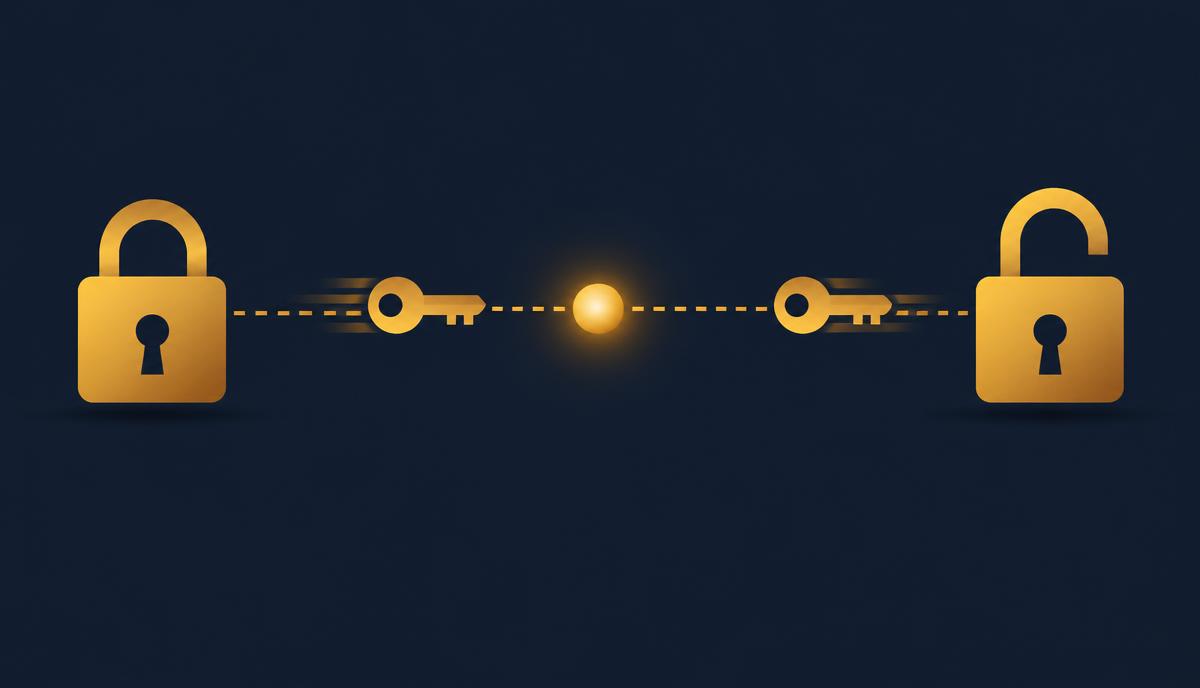
Because a QUIC connection is bound to a connection ID rather than to a source IP address and port, a device can change networks — for instance moving from a home Wi-Fi network to cellular data — and keep the same QUIC connection alive. TCP has no equivalent: a change of IP address breaks the connection outright and every stream on it must be re-established, along with a fresh TLS handshake. This particular property matters most for long-lived connections such as video calls and large downloads on mobile devices, rather than for a typical short page load.
| Property | TCP + TLS 1.3 + HTTP/2 | QUIC + HTTP/3 |
|---|---|---|
| Transport | TCP (ordered, reliable byte stream) | QUIC over UDP (independent streams) |
| Handshake round trips (cold) | 2 (TCP, then TLS) | 1 (combined transport + crypto) |
| Head-of-line blocking on packet loss | Blocks all streams on the connection | Blocks only the affected stream |
| Encryption | Optional, layered on top | Mandatory, integrated into the handshake |
| Survives network change | No — connection breaks | Yes — via connection ID |
| Middlebox interference risk | Low, well understood by routers | Higher; some networks throttle or block UDP |
How the handshake compares in practice
A cold HTTPS connection over TCP needs one round trip to establish TCP itself, then a further round trip for the TLS 1.3 handshake, before the first HTTP request can be sent. QUIC integrates both jobs into the same exchange, so a new connection typically needs a single round trip, and a QUIC connection resuming a previously seen server can send request data in its very first flight, similar in spirit to TLS 1.3's 0-RTT but scoped to the whole transport rather than just the crypto layer.
Illustrative time to first request byte sent, cold connection
Milliseconds at 60 ms round-trip time, typical figures
Figures are illustrative round counts converted at a fixed RTT to show the shape of the saving; actual timings vary with server configuration, congestion window and network conditions.
Costs and trade-offs
0-RTT and the replay risk
When a client has connected to a server before, QUIC allows it to send application data in its very first flight of packets, before the handshake completes, using keys derived from the previous session. This is genuinely faster, but it comes with a specific weakness: an attacker who captures that first flight can replay it to the server, and the server has no way to distinguish the replay from the original at the transport layer. For this reason, 0-RTT data is restricted in practice to requests that are safe to receive twice, such as idempotent GET requests, and servers are expected to reject or treat cautiously any 0-RTT request with side effects.
QUIC and HTTP/3 in practice
Pros
- Removes transport-level head-of-line blocking, which is most valuable on lossy mobile and Wi-Fi links
- Faster cold-start handshake by combining transport and TLS negotiation into one round trip
- Connections survive IP address changes, useful for mobile devices and long-lived streams
- Mandatory encryption closes off a class of downgrade and interception attacks possible with plain TCP
Cons
- Runs in user space rather than the kernel, so it is more CPU-intensive per byte than a mature, hardware-accelerated TCP stack
- Some corporate and mobile-carrier networks throttle or block UDP traffic, forcing a fallback to HTTP/2
- Newer implementations have had less real-world hardening time than decades-old TCP stacks
- Debugging tools and middlebox visibility are less mature than for TCP, since QUIC encrypts most of its own headers
How a browser actually decides to use it
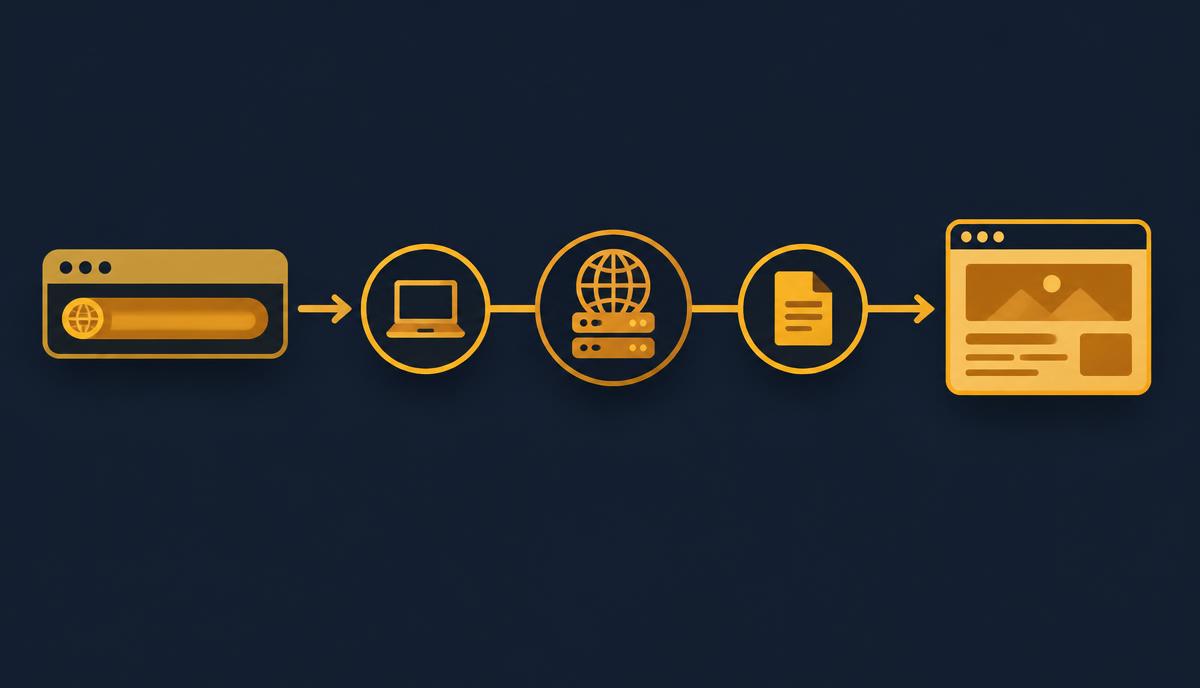
A browser cannot assume a server supports HTTP/3 in advance, since the very first request has to go somewhere. The usual pattern is that a server advertises HTTP/3 support via the Alt-Svc HTTP header on a response served over HTTP/2, telling the browser that the same origin also answers on QUIC. The browser then opens a QUIC connection for subsequent requests to that origin, and falls back to HTTP/2 automatically if the QUIC attempt fails, for example because a network is blocking UDP.
- Browser makes an initial request over HTTPS, typically negotiating HTTP/2 if the server supports it.
- Server response includes an Alt-Svc header advertising an HTTP/3 endpoint on the same or a different port.
- Browser attempts a QUIC connection to that endpoint, racing it against continued use of the existing HTTP/2 connection in some implementations.
- If QUIC succeeds, subsequent requests for that origin use HTTP/3; if it fails or times out, HTTP/2 continues unaffected.
Key points
- HTTP/3 runs on QUIC, a transport built on UDP rather than TCP.
- QUIC gives each stream independent ordering, so one lost packet no longer stalls every stream on the connection.
- Transport and TLS 1.3 negotiation are combined, typically cutting a cold handshake to one round trip.
- Connection IDs let a QUIC connection survive a change of network address, unlike TCP.
- Servers advertise HTTP/3 via the Alt-Svc header, and browsers fall back to HTTP/2 automatically if UDP is blocked.
Sponsored video
AdvertisementChecking for a video ad…
Frequently asked questions
Sources
- RFC 9000: QUIC: A UDP-Based Multiplexed and Secure Transport — IETF
- RFC 9114: HTTP/3 — IETF
- RFC 9001: Using TLS to Secure QUIC — IETF
- HTTP/3 — Web performance guidance — Mozilla Developer Network
- HTTP/3 usage statistics — W3Techs
About the author
Michael Adeyemi — Senior Technology Writer
Michael writes Inquro's computing and web-infrastructure coverage. He worked for eight years as a platform engineer on high-traffic content systems before moving into full-time technical explanation, and he still prototypes every measurement described in his articles before publishing the numbers.
- Qualifications
- MSc, Distributed Systems — University of Manchester
- BEng, Computer Engineering — University of Lagos
- Experience
- Eight years as a platform engineer on high-traffic content delivery systems
- Four years writing standards-based technical documentation
- Subject areas:
- Web performance, Networking, Systems architecture
- Contact:
- michael@inquro.example
Reviewed for factual accuracy by Dr. Rina Halvorsen, Editor-in-Chief (PhD, Cognitive Science), on 18 February 2026.
Structure, claim strength and whether an explanation actually answers the question a reader arrived with.
Inquro articles are commissioned, sourced, reviewed and re-checked under a published editorial policy. Corrections are made in place and dated — write to editorial@inquro.example if you find an error.